Written by
Nacho Seoane
Published on
Share
After someone submits a website form, their enquiry should be recorded, assigned to an owner and given a next action. The sender needs to know it was received and what to expect. Your team needs to find it and continue the work.
A website can explain your offer clearly and still leave that journey unfinished. A message arrives in a shared inbox, someone forwards it and the information gets copied elsewhere. When you want to check what happened, you have to reconstruct the conversation.
TL;DR — From form submission to follow-up
- Connecting a form to a CRM should make every enquiry traceable. The CRM is where you manage contacts and opportunities; the connection needs to preserve the submission and help someone act on it.
- Every enquiry needs 3 things: a record, an owner and a next action. An email notification helps, but the team also needs to see who is responsible and what remains to be done.
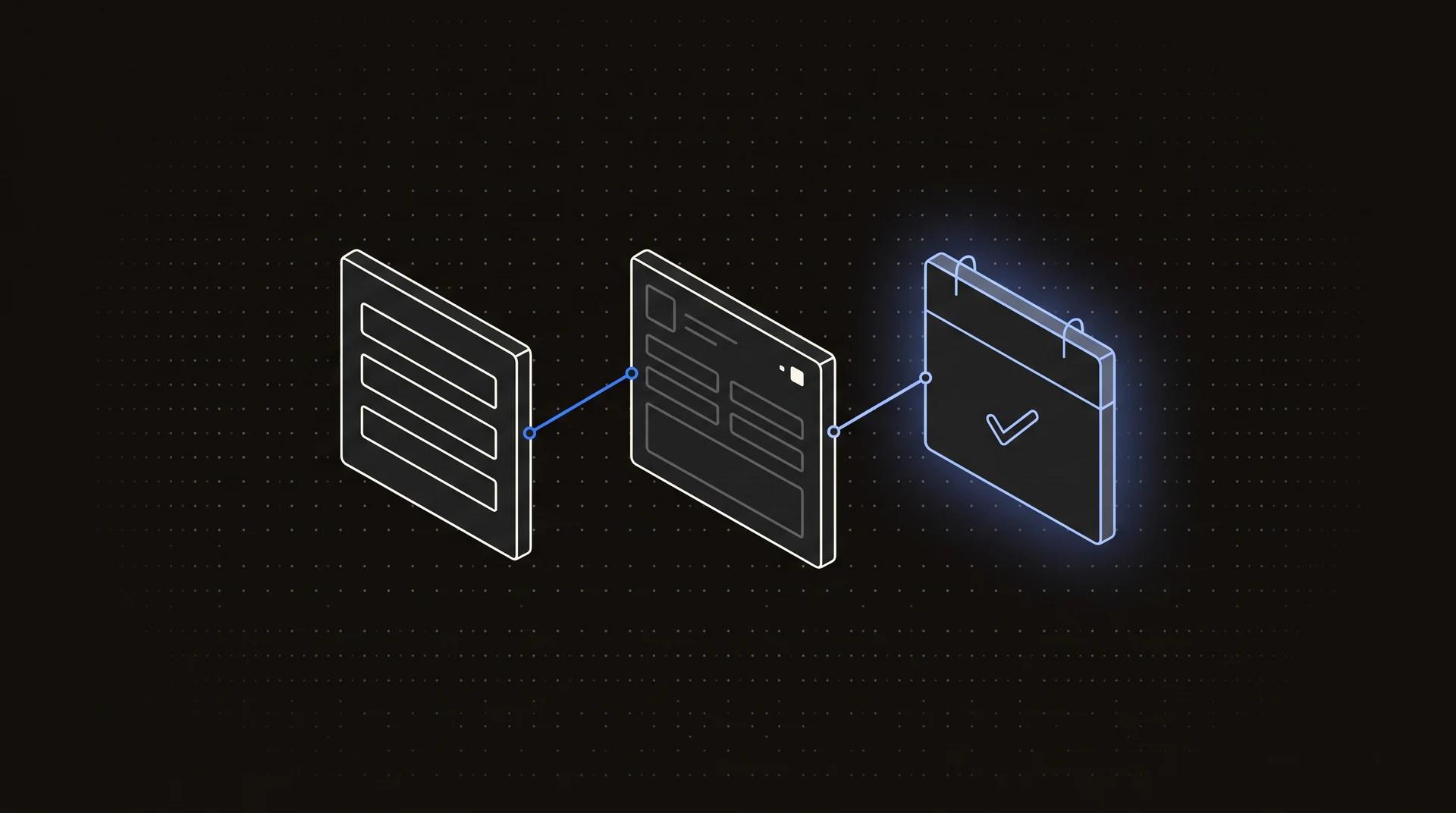
- This guide follows 5 stages: receipt, identification, assignment, response and closure. Separating them reveals whether a problem lies in data delivery or in sales follow-up.
- An existing contact can have a new enquiry. Distinguish the person, their request and the technical submission so that retries do not duplicate work and duplicate handling does not hide new opportunities.
- Check 6 situations before launch, including a CRM failure. Review the record, ownership, retries, new enquiries from the same contact and what the sender sees.
- Our recommendation: design the follow-up process alongside the form. Agree on the destination, the owner and how to recover failed deliveries before enquiries start arriving.
What should the person submitting the form receive?
The confirmation should explain what was received and what happens next. A message saying “sent” leaves questions unanswered if the person still does not know who will reply or how to continue.
The GOV.UK confirmation-page pattern recommends explaining what will happen next, when, and how to contact the service. Although it was developed for public services, this is a useful design principle for a sales enquiry form. Source: Confirmation pages.
For example, a confirmation could read as follows, provided it matches how the team actually works:
We have received your project enquiry. Our team will review it and reply to the email address you provided. If you would like to add anything, you can reply to the confirmation email.
If you can meet a response time, state it. If one has not been agreed, avoid inventing a promise to fill the message. If saving the enquiry fails, explain the problem and let the person retry without losing what they have written.
What needs to happen inside the business?
Every enquiry needs a path the team can follow without relying on someone remembering an email. Define the destination, assignment rules and work statuses before connecting tools.
| Stage | What is saved or prepared | How to check it |
|---|---|---|
| Receipt | Enquiry, date and source page | The record exists and contains what was submitted |
| Identification | A link to the contact or company | The new enquiry does not overwrite an earlier requirement |
| Assignment | An owner and the assignment rule used | The right person can see the pending work |
| Response | A reply or next task | The record shows what happened and what remains outstanding |
| Closure | The outcome of the follow-up | An enquiry that was handled is distinguishable from a closed sale |
This is a proposed workflow, not a requirement to use a particular CRM. HubSpot, for example, documents post-submission actions such as notifications, task creation and assignment; availability depends on the subscription. Check those limits before quoting an integration. Source: Automate form submission actions.
In a website design and development project, these decisions help define which information to request and which connections to prepare from the start.
Returning contacts and duplicate enquiries are different
The same person can submit several legitimate enquiries. The duplicate to avoid is the same submission being processed twice because of a double click or a connection retry.
Suppose a company asks about a website in January and an internal tool in March. It is the same contact with two different needs. If the integration treats every repeated email address as a duplicate, it could hide the second opportunity.
We would separate these concepts:
- Contact: who is writing and how they relate to a company.
- Enquiry: what they need at that point, with its own history.
- Technical submission: the attempt to deliver that enquiry to the system.
A submission identifier lets the system recognise a retry without discarding future enquiries from the same contact. It also helps investigate failures: you can trace that submission instead of searching blindly by name or email address.
What happens when a connection fails?
The design needs to cover failures after someone presses “send”. The website receiving a request and the CRM saving it are separate steps.
We recommend durably storing the incoming enquiry first, then tracking delivery to the destination system. If the CRM does not respond, the enquiry can remain pending for a retry, with an alert for someone on the team. The implementation depends on the tools and the consequences of losing that work.
Data also needs validation outside the browser. MDN explains that client-side validation can be bypassed and does not replace server-side checks. Source: Client-side form validation.
Alongside connection failures, check invalid email addresses, overly long fields, spam and incomplete information. Ask only for information that helps handle the enquiry, and decide who can access it. If you add marketing communications, treat them as a separate purpose from following up on the request.
How to test the integration before launch
The test is complete when you can trace the enquiry to its destination and next action. The website's success message is one part of that check.
Use this testing sequence:
- Submit a test enquiry on mobile and check the saved content.
- Confirm that the owner can see the task and has the context needed to act.
- Repeat the same technical submission and check that it does not create duplicate work.
- Send a different enquiry from the same contact and confirm that it is preserved.
- Simulate a CRM failure and check how the enquiry is recovered or who receives an alert.
- Check the sender's experience, including error and confirmation messages.
After launch, measure each stage separately: enquiries received, records delivered, unassigned work, time to a useful first response and conversations that progress. An automated receipt email should not count as a sales enquiry successfully handled.
Frequently asked questions
Choose the integration around the follow-up your team needs. These answers help define what the website should cover and what to check in connected tools.
Do I need a CRM to get started?
A shared register can be enough for a small process. It should include an owner, a status and a history for each enquiry. A CRM becomes useful when you need to connect contacts, companies and opportunities or coordinate several people. Choose the destination according to the work it needs to support.
Can this work with Webflow or a custom website?
Yes, both can connect to a system for tracking enquiries. What changes is how the form is received and which connections the website platform, CRM and their plans allow. Define the journey first, then check which parts existing features can handle and which need development.
Where would AI be useful?
AI can summarise free-text messages and suggest how to classify them. Saving fields or assigning work according to a fixed rule usually needs only automation. An AI agent deserves a separate evaluation if the work involves consulting context and choosing steps. Start with the task that needs interpretation.
What if the CRM is down when someone submits an enquiry?
The enquiry should be preserved for later delivery, or the person should see an error they can recover from. Define that behaviour before launch. If the website confirms receipt, verify that the data has been durably saved and that a retry process or a responsible person can handle the failure.
Does an automatic email count as handling the enquiry?
No: it confirms receipt but does not show that someone has addressed the need. Record the notification, the first useful response and the next commercial step separately. This helps you spot enquiries that reached the system successfully but have still been waiting for a person to respond.
Final recommendation
Complete the journey before adding more fields or tools. Start with 1 form, 1 destination for the record and a clear assignment rule. Check successful delivery and recovery when something fails. That gives you a measurable foundation for expanding follow-up while keeping automated confirmation separate from an enquiry someone has handled.
If you want to interpret or classify messages, first compare an AI agent with automation. Choose based on the work that follows the submission.
In summary
- Give every enquiry 3 things: a record, an owner and a next action. These make the request traceable and let you check that someone continues the follow-up.
- Explain what happens after submission. GOV.UK's confirmation guidance recommends explaining the next step, relevant timings and how to contact the service.
- Review the 5 stages of the proposed journey: receipt, identification, assignment, response and closure. A failure at any stage can leave an enquiry unattended.
- Separate the contact, the enquiry and the technical submission. These 3 concepts distinguish a customer's new requirement from a retry that should not duplicate work.
- Plan for 2 CRM delivery outcomes: successful or awaiting recovery. The confirmation shown to the sender must match what has actually been saved.
- Run the 6 checks before launch. Cover mobile, assignment, duplicates, new enquiries, CRM failure and user messages. They form a practical acceptance checklist.
- Measure receipt and response separately from day one. Start by finding unassigned enquiries and measuring time to a useful response before adding more sales automation.
Sources and references
These references cover confirmation messages, CRM actions and form validation. The five-stage journey and testing sequence are Apogeo's recommendations. Sources consulted for the original article on 30 September 2026.
- GOV.UK Design System: Confirmation pages. The information someone needs after completing a transaction.
- HubSpot: Automate form submission actions. Available actions and product requirements to check before integration.
- MDN: Client-side form validation. The limits of browser validation and the need for server-side checks.
A practical improvement for your next website
Define a well-handled enquiry before designing the form. What information does the team need? Where is it recorded? Who replies, and how is follow-up checked? With those decisions made, the website can prepare useful work from the first contact.
If requests are currently scattered across emails and manual tasks, tell us how they arrive and what happens afterwards. We can review that process alongside the website design and define the connections it needs.